
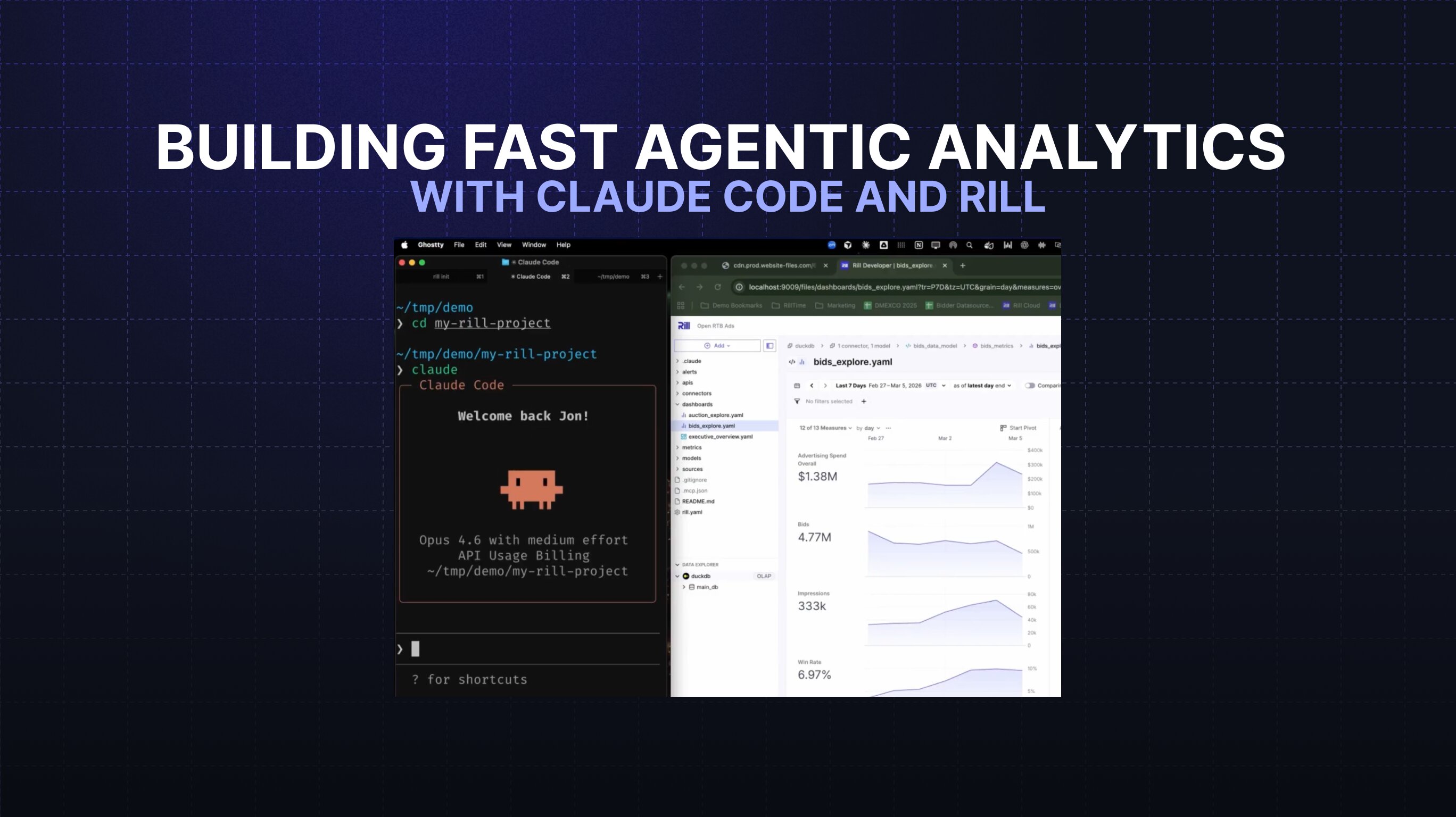
Video: Building Fast Agentic Analytics with Claude Code and Rill


The Rise of Agentic Analytics
Analytics workflows are evolving quickly. Traditional business intelligence tools were designed primarily for humans interacting with dashboards. But today, AI agents are becoming active participants in analytics development.
This shift is giving rise to a new category: agentic analytics—analytics systems that allow both humans and AI agents to build, modify, and deploy analytics workflows.
At Rill, we believe the fastest analytics workflows happen when analytics infrastructure is fully programmable while still offering an intuitive visual interface for business users. When AI coding agents like Claude enter that workflow, analytics development becomes dramatically faster.
In this post, we’ll show how combining Claude Code with Rill’s developer-first BI platform enables teams to build and iterate on analytics projects entirely from the command line.
Why Code-First Analytics Enables AI Agents
Rill is built on a code-first architecture, where every element of an analytics project is defined as code.
That includes:
- Data models
- Metrics definitions
- Dashboard layouts
- Visualization configuration
Because everything lives in code, analytics projects become easy for AI agents to understand and modify.
Developers typically start by initializing a new Rill project and loading a sample dataset or template. From there, the entire analytics workflow can happen inside the project directory.
Using the command line, you can:
- Start a Rill project
- Inspect the project structure
- Modify metrics and models
- Update dashboards
- Deploy changes
This approach aligns perfectly with modern analytics engineering practices, where analytics artifacts are version-controlled, testable, and automated.
Using Claude Code to Modify Analytics
One of the most powerful capabilities of AI-powered BI workflows is allowing coding agents to directly update analytics projects.
Imagine you want to add a new metric to a bids analytics dataset—Cost Per Click (CPC).
Instead of manually editing multiple configuration files, you can simply instruct the AI agent:
“Add a cost per click metric to my bids analytics.”
Claude Code analyzes the project and determines how to implement the request.
Behind the scenes, the agent:
- Reviews the available project skills
- Reads the analytics project files
- Identifies where metrics are defined
- Generates the necessary code updates
Within seconds, the new CPC metric appears in the project.
If you need to refine the formula—for example dividing by 1,000—you can simply instruct the agent again. The changes are applied instantly.
This creates a rapid development loop where analytics development becomes conversational while still remaining fully code-driven.
Automatically Updating Dashboards
Once the new metric exists, the next step is adding it to dashboards.
Instead of navigating multiple UI components, you can ask the AI agent to update a dashboard such as an Executive Overview.
Claude understands the dashboard structure and updates it intelligently:
- Adds the CPC metric to the KPI section
- Inserts the metric into relevant tables
- Maintains consistent dashboard design
This eliminates much of the manual configuration typically required in traditional BI tools.
AI-Assisted Layout and Design
Agentic analytics workflows aren’t limited to data modeling.
AI agents can also handle UI and layout changes.
For example, you might instruct the agent:
“Add the company logo to the top-left corner of the dashboard.”
The agent updates the project configuration and applies the layout change instantly.
Tasks that would normally require navigating through visual editors can now be done in seconds using natural instructions.
Why Rill Is Built for AI-Powered BI
This workflow works because Rill combines two essential interfaces.
Code for Developers and AI Agents
Every analytics component is represented in code, making projects easy to inspect, automate, and version control.
This allows AI agents to:
- read project structure
- modify metrics
- update dashboards
- automate analytics workflows
Visual Tools for Humans
At the same time, Rill offers a visual environment where analysts and business users can:
- explore data
- build dashboards
- monitor operational metrics
This hybrid architecture enables collaboration between humans and AI agents.
Developers and agents modify the code, while humans interact with the resulting analytics visually.
The Future of Analytics Is Human + AI Collaboration
Agentic analytics fundamentally changes how analytics teams work.
Instead of slow manual processes, teams can now:
- instruct AI agents to modify analytics projects
- instantly update dashboards and metrics
- iterate rapidly on data products
With AI coding agents and developer-first BI, analytics development moves closer to software development—automated, version-controlled, and incredibly fast.
By combining Claude Code with Rill, teams can build analytics systems where both humans and AI contribute to the workflow.
And that’s why we believe Rill is the fastest BI tool for humans and agents.
Learn More About Agentic Analytics
Want to explore how developer-first BI and agentic workflows can accelerate your analytics stack?
- Explore the Rill documentation → https://docs.rilldata.com/
- Try building your first Rill project → https://docs.rilldata.com/developers/get-started/quickstart
.svg)
.jpg)

Ready for faster dashboards?
Try for free today.